How Stardust 9 works
A quiet place to keep the lights of the people you love, watch their journey, and connect them to one another. Here's how to find your way around.
Getting started
New here? This is the short path from an invitation to your first light. Each step opens up further down the page.
That's the whole shape of it. Everything below goes one layer deeper.
Signing in
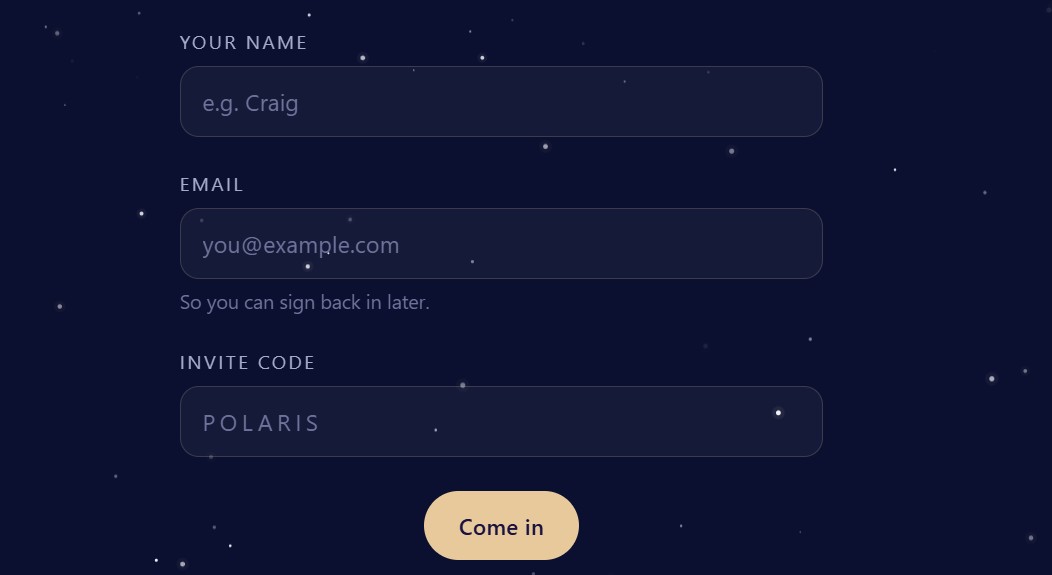
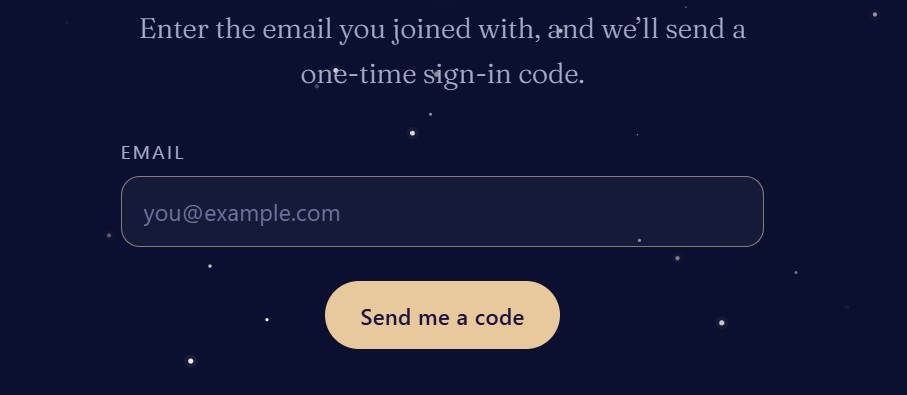
Stardust 9 is invitation only. To join, someone already inside sends you an invitation for their family circle. You don't create a password — instead, each time you sign in you enter your email and we send you a six-digit code. Type the code in and you're through. Codes last fifteen minutes; if one expires, just ask for another.
Install Stardust 9
Stardust 9 can live on your phone like any other app. Open the menu and choose Install app, or visit the Install page, and follow the one step shown for your phone — it adds Stardust 9 to your home screen, so it opens full-screen, without the browser around it.
On the entry screen there's also an install code you can scan with your phone's camera to come straight here on the smaller screen.
Finding a light
At the top of the screen, Search lights finds a light by name. Begin typing and matching lights appear as you go — open any of them straight from the results. You'll only ever see lights from circles you belong to.
Constellations
A constellation is a family circle — a private group of people who share the same lights. Most families need just one. You can belong to several (say, two sides of a family), and switch between them. Each constellation has its own night sky where its lights appear.
When you create one, you choose who can find it: kept fully private, or discoverable by name to others who might be family. You can always change this later.
Lights
A light is one person remembered — their name, their dates, a few words, photographs, and the stories you want to keep. You raise a light inside a constellation, and it takes its place in that sky.
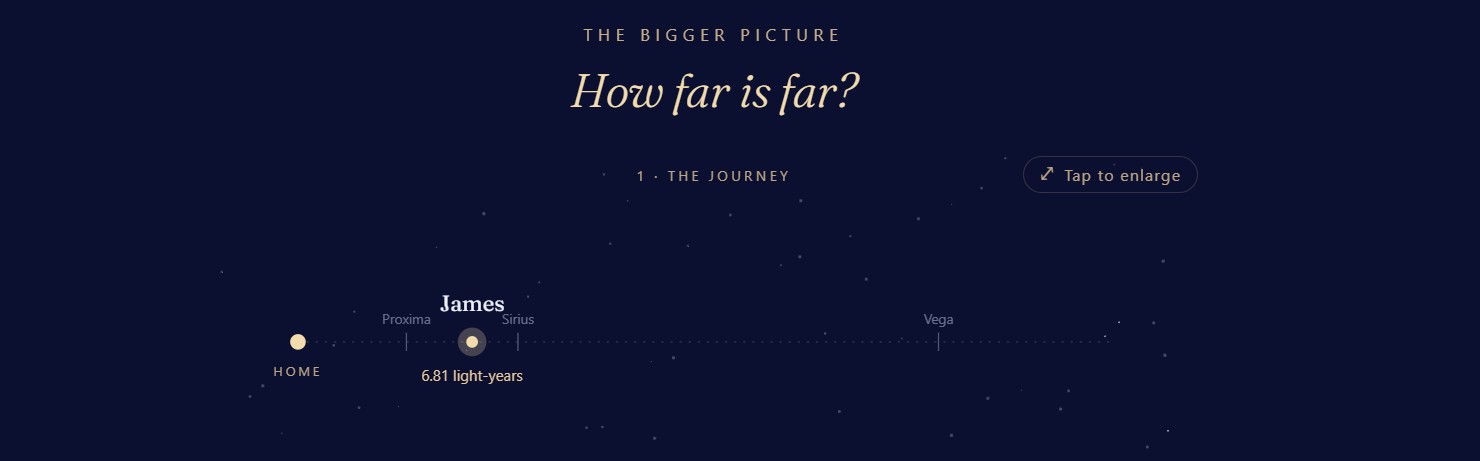
When you raise one, you choose what kind of light it is — Starbound (travelling outward through the stars), Earthbound (travelling around, through the living world of a resting place), both, or a still remembrance light — and the form shows only the fields that path needs. Every light carries the idea at the heart of Stardust 9: that the light of someone we love keeps travelling. A light's page can always show you where their light is tonight, among the real stars.
Drafts — finishing later
You don't have to finish a light in one sitting. While you're editing, Save as draft keeps it private to you — it sits in no one's sky until you choose Publish. Save & preview shows you the finished page first, and a light that's already published is changed with Update.
Your unfinished drafts gather on your profile under Loose threads, each with a gentle Continue — and the lights you've lately opened wait under Recently visited, so it's easy to pick up where you left off.
Inviting your family
Inside a constellation you can invite others. They'll receive a way to join that circle and see its lights. Two kinds of people live in a circle: members, who can view and add, and stewards, who also manage the circle — its details, its members, and who may join. The person who creates a constellation is its first steward, and a circle can have up to five.
There are two gentle ways to bring someone in. Share the single-use code yourself — it stays there to copy — or enter their email and let Stardust 9 send the invitation for you: a small card with a one-tap link and the code inside. When they follow that link, their code is already filled in, so they only add their name and email to come through.
Asking to join a circle
If a family circle has chosen to be findable by name, you can ask to join it. Its stewards are told, and they decide whether to admit you — you'll hear back either way. A circle kept fully private can only be joined by an invitation sent to you.
Walk through a light
Not sure what a light is, or want to show someone who's new? Walk through a light is a short, guided tour — a real light, read-only, that steps through everything a light can hold: a person and their story, their family's own words, a song and a moment of video, and where their light is travelling tonight. Nothing in it can be changed.
You'll find it on the entry screen, on an invitation, and in the Add a light menu once you're inside — a gentle thing to send to family who are new to all this.
Connections & family
Lights aren't islands. You can connect one person to another — "child of", "twin", "grandmother of" — and those connections become the threads of a family. A connection can point to another light, to a living member, or to someone not yet raised (a name held as a placeholder until their light is made).
Privacy is always kept. If you're connected to someone in a circle you can't see, that connection still appears — but only as a glow, with no name. Nothing crosses a boundary you're not part of.
Kinship stories
A kinship story is a short remembrance of how you knew someone — your own thread to their light. On a light's page you can add yours, and the stories gather together there, each kept under the name of whoever wrote it. A light slowly comes to hold the many people who held them.
When you make a keepsake of a light, you can choose whether its kinship stories travel with it.
Voices & moments
A light can hold more than pictures. In Photos & media on a light's page, choose Add a voice or a moment to bring in a short audio recording or a video — a laugh, a song, a few spoken words, a small piece of film. You'll also find the same offer inside each story section and on the kinship-story area, and a clip added there keeps a gentle link back to where it came from.
Clips stay quiet until tapped, and only one plays at a time, so a light's page never startles you. Each is kept under the name of whoever added it. Like the stories, a voice can be added by the person who tends the light or by anyone connected to them as family; you can remove one you added, and the keeper of the light can remove any. The printable keepsake stays photographs and words — voices and moments live on the page, where they can be heard.
Your profile
Your profile is where you add a photo of yourself (it then appears wherever you do — your circles, the family map, search), your birth or maiden name, and, if you wish, a few words to leave — something of your own that will one day be set upon your light. You can also record your own family here, the same way you connect any light. Anything quietly awaiting you — a concern to look at, an invitation — gathers here too.
The bell
The bell at the top gathers the few things that quietly need you — a concern shared with you about one of your lights, an invitation, or a request awaiting your answer. A small number shows how many are waiting. Open the bell, or your profile, to see them; they clear as you attend to them. Inside, Mark all read settles the count while keeping the notes, and Clear all removes them — the things that truly need a decision still wait for you on your profile.
Concerns
If something on a light needs a careful look, you can quietly raise a concern. Open the light, choose Report a concern, and say briefly what it's about. It goes only to the family's moderators — never anywhere public — and the person who tends the light is never told who raised it. Nothing on the light changes while it's being looked at.
And if a moderator asks you to look at a concern about a light you tend, you'll see a gentle note on your profile under Concerns to address, and on the light itself, A concern to look at. Open the light and either choose This is fine — discard, or Edit the light to adjust it yourself. Nothing has been changed, and nothing will be removed — the choice is always yours.
Setting a light aside
No light is ever deleted. On a light you tend, you can choose to archive it — Yes, archive — and it slips quietly out of the sky. It is never erased: you can Restore from archive at any time, and it returns exactly as it was. Lights are only ever set aside or handed on, never put out.
Sometimes an admin may ask for a light to be set aside. When they do, it doesn't happen on its own — the request waits for you on your Deletion requests page, the light greyed but still in place, until you decide: Approve — archive it, or Decline. Even then, the light is archived, never deleted, and you can always bring it back.
Your keeper
You can name a keeper — the one person you trust to raise your light when the time comes, and only they can. A keeper can be someone already here, or someone outside, named by their email and sent an invitation to join so they're ready.
When a keeper raises a light — we call it crossing over — that person's record is kept (never erased, so every connection still holds), their sign-in rests, the words they left are placed on their light, and the lights they tended pass into the keeper's care so none go dark. If a keeper can't be found, a steward of the family circle can step in.
The family map
On any light's page, and on your profile, the family map draws the connections as a constellation — the person at the centre, their people around them, a labelled thread to each. A light travels along each thread: the light, still moving outward to those they're bound to.
Tap any star to open that person's card. From a light's card you can open their full page, or follow the thread to re-centre the map on them and keep exploring, one star at a time. Private stars glow but don't open.
Keeping a copy
Everything here is meant to outlast the software. A steward can export the whole archive from the home screen — a single file holding every light as plain, readable text, every connection, and all the original photographs, with nothing locking it to Stardust 9. Keep a copy somewhere safe; it will open long after any of this is gone.
A quiet hand — never your voice
Stardust 9 was built by a person and by an AI — Claude, made by Anthropic — working side by side, and a little of that help stays woven into the app itself, present in it as much as the hands that built it. It watches gently for anything harmful, so the space stays kind and safe, and, if you ever ask, it can help you reach for words when they're hard to find.
But the words here are yours. Claude is only ever here to assist — never to change what you've written, and never to speak in your place. The names, the stories, the love you set down stay exactly as you wrote them. Nothing here rewrites a memory.
About Stardust 9
Stardust 9 — Still Travelling — a quiet place to keep the lights of the people we love, and to watch their light keep travelling outward.
Made by a person and by Claude, side by side. The words and the love set down here are always yours.